Your Audio Is Still Traveling Through Cables — They're Just Network Cables Now
Dante audio networking feels intimidating if you grew up on analog gear. Here's what it actually is, how it works, and why it might be the best upgrade your church never knew it needed.
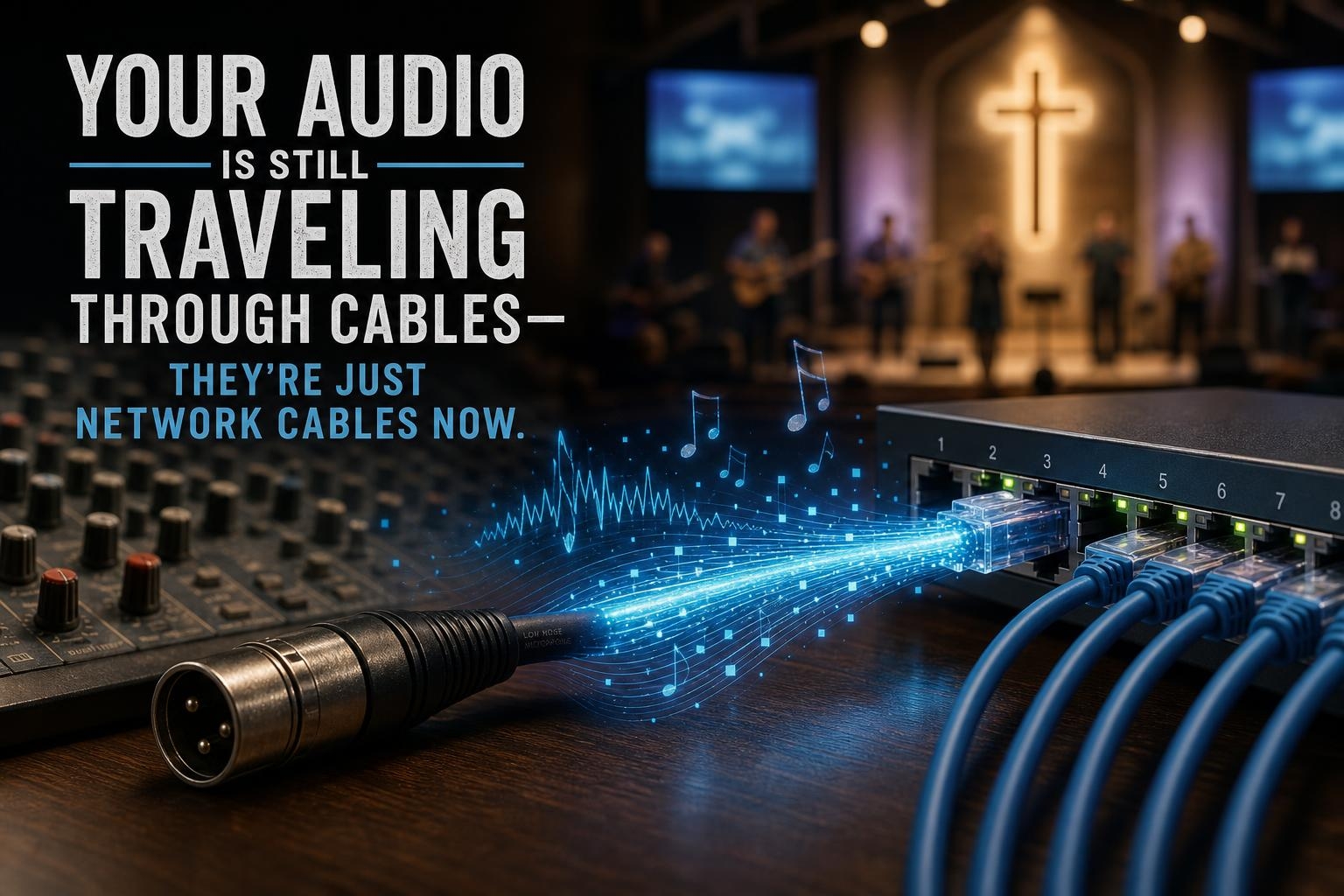
If you learned audio on a 32-channel analog board with a snake running to the stage, you already understand the most important thing about Dante. Audio travels from point A to point B through a cable. Dante just changed what kind of cable.
That’s really the heart of it. Everything else is details.
What Dante Is — Without the Jargon
Dante is a networking protocol made by a company called Audinate. It lets audio travel over a standard ethernet network instead of through traditional analog or even older digital snake systems. Instead of running a thick, expensive, heavy audio snake from your stage to your mix position, you run a single ethernet cable — or use the network infrastructure you may already have in your building.
Once your devices are on the network and Dante is configured, you can route audio from any Dante-enabled device to any other Dante-enabled device on that same network. A microphone preamp on stage can send its signal to a mixing console at front of house, a recording interface in the tech booth, and a personal monitor mixer on stage — all at the same time, over the same cable.
That’s the thing that usually makes analog folks stop and say, “Wait, really?”
Really.
Think of It Like a Patch Bay — But for Your Whole Building
If you’ve ever used a patch bay, you already get the concept. A patch bay lets you reroute audio signals without physically moving cables. Dante does the same thing, just across your entire network.
The software you use to manage all of this is called Dante Controller. It’s free, and it runs on a Windows or Mac computer connected to your network. Inside Dante Controller, you see a grid — your transmitters (sources) on one axis, your receivers (destinations) on the other. You click a box to make a connection. That’s it. No soldering, no crawling behind racks, no re-patching anything physical.
Need to send your pastor’s lapel mic to the livestream encoder? Click. Need to add that same signal to the in-ear monitor mix? Click. Need to undo it after service? Click.
It’s honestly one of those things that feels like cheating once you’ve used it.
The Gear Side of Things
Here’s where churches sometimes get tripped up. Dante isn’t a piece of hardware you buy — it’s a protocol that lives inside hardware. Your devices need to support Dante for this to work.
The good news is that a lot of the gear churches are already buying supports Dante. Yamaha, Shure, QSC, Biamp, Allen & Heath, PreSonus, and many others have Dante built into their products. If you’re shopping for a new digital console or a wireless mic system, it’s worth checking whether Dante is on the spec sheet.
If you have existing gear that doesn’t support Dante natively, Audinate makes a product called a Dante AVIO adapter — a small dongle that adds Dante connectivity to analog inputs and outputs. They’re not expensive, and they’re a great way to bring older gear into a Dante network without replacing everything.
”Okay But What About the Network?”
This is the question that makes analog folks nervous, and it’s a fair one. Dante runs on ethernet, which means it lives on your church’s network — and that introduces some things you’ll want to pay attention to.
Dante audio is sensitive to network latency and packet loss. For most small to mid-size church setups, a decent managed switch with Quality of Service (QoS) enabled is all you need. You don’t need a degree in IT. But you do need a switch that can handle it, and ideally, you want your Dante traffic on its own VLAN or at minimum its own dedicated switch, separate from the Wi-Fi traffic and the church office computers.
If your network is already reasonably well set up, adding Dante is usually straightforward. If your network is a mess of consumer-grade gear and unmanaged switches — well, that’s a conversation for another post.
Why This Is Worth the Learning Curve
Dante changes what’s possible in a church building. Long cable runs that used to require expensive snakes become a single ethernet cable. Sending audio to multiple destinations simultaneously — front of house, monitors, livestream, recording, overflow rooms — becomes a software configuration instead of a hardware puzzle.
It also makes your setup more repeatable. Once your Dante routing is configured and saved, it comes back up the same way every week. Your volunteer doesn’t have to remember which physical cable goes where. The network remembers for them.
Proverbs 27:23 says to know the condition of your flocks — to stay close to what you’re responsible for. For those of us responsible for Sunday morning audio, Dante gives you a level of visibility and control over your signal chain that analog gear simply can’t match. You can see every connection, trace every signal path, and make changes without touching a single physical cable.
A Good Place to Start
You don’t have to rip out your existing system to try Dante. Here’s a low-pressure way to get your feet wet:
- Download Dante Controller for free from Audinate’s website and just explore the interface
- Pick up a Dante AVIO analog input adapter and connect it to something you already own
- Watch a few videos from the Audinate YouTube channel — they’re genuinely well done
- Check whether your current console or any of your wireless gear already has Dante built in
You might be closer to a Dante setup than you think.
The cable run that used to take a Saturday afternoon and two volunteers with a fish tape might just be a network port and a click away.