Your Room Mix and Your Livestream Mix Aren't the Same — But You Don't Need Two of Everything
The online mix sounds different from the room — but the fix isn't a second console or a dedicated engineer. Here's a practical approach any church audio volunteer can actually pull off.
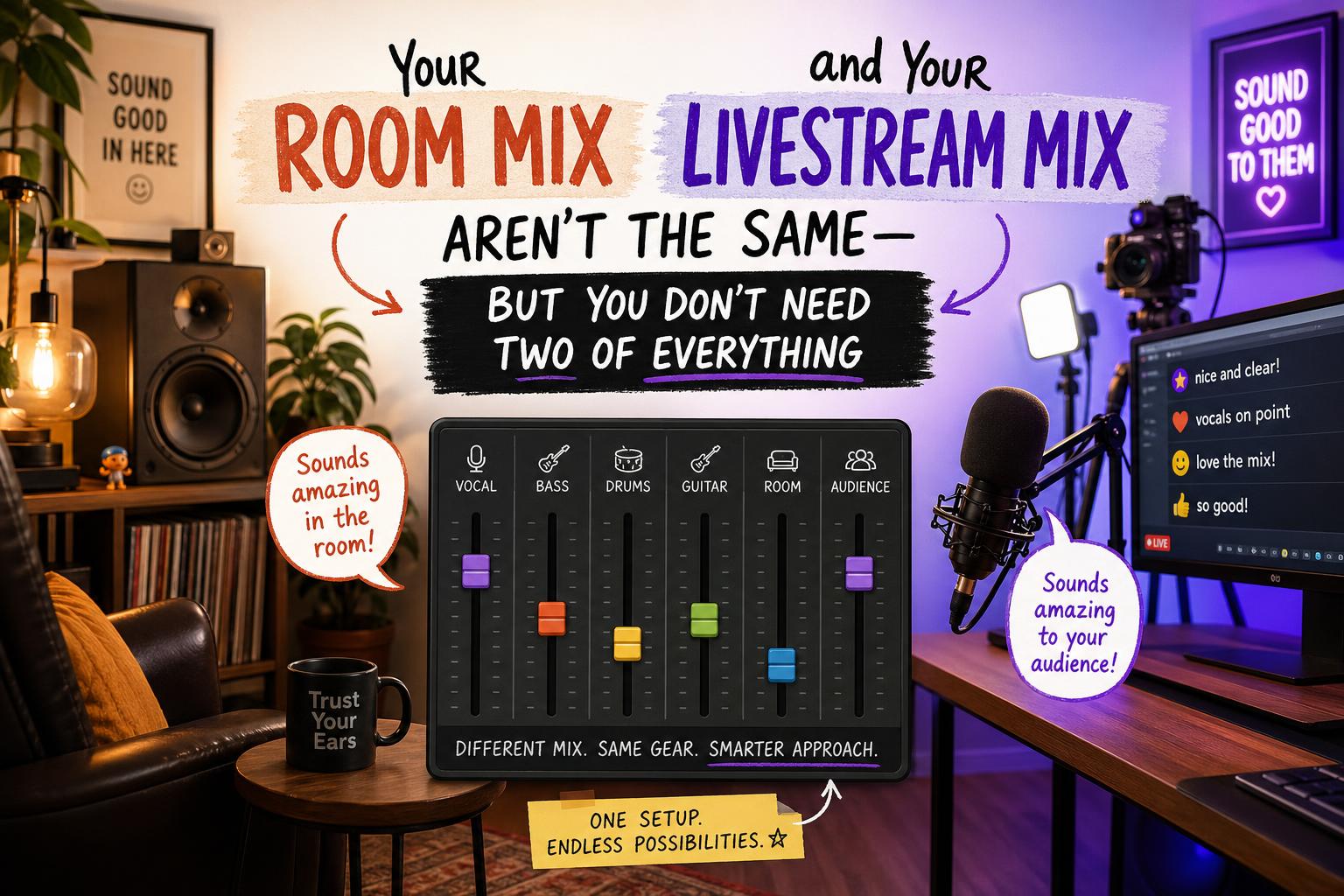
It usually starts with a Facebook message. Or a text to the worship pastor. Or someone catching the sound engineer in the lobby after service with that look on their face.
“Hey — I watched online this week and the mix sounded really thin. The vocals were hard to hear. Is something wrong?”
The sound engineer mixed a great service. The room sounded full, the band was locked in, the pastor’s voice was clear and present. But the person watching from home heard something completely different. Now the worship pastor is stressed, the engineer feels deflated, and everyone’s trying to figure out what went wrong.
Nothing went wrong, exactly. The room mix and the livestream mix are genuinely different things. But the solution is a lot simpler than most people think — and it does not require a second console, a separate signal chain, or a dedicated stream engineer.
Why They Sound Different in the First Place
When you’re sitting in the room on Sunday, you’re not just hearing what’s coming out of the speakers. You’re hearing the drums bleeding through the air. You’re hearing the guitar amp a few feet from the stage. You’re hearing the natural reverb of the room, the congregation singing around you, the acoustic energy of a space full of people worshiping together.
Your ears fill in a lot of gaps automatically. The mix doesn’t have to do all the heavy lifting because the room is doing some of it for you.
A microphone doesn’t work that way. It hears only what you give it. When the livestream feed is built entirely off the main mix, it captures the blend you’ve dialed in for a room full of natural acoustic reinforcement — and online, without that reinforcement, it can sound thin, unbalanced, or like the vocals are fighting to be heard.
That’s the real problem. And once you understand it, the fix becomes pretty obvious.
The Myth Worth Busting
Somewhere along the way, the idea took hold that solving this problem requires a dedicated mix engineer running a completely separate console just for the stream. For a handful of very large churches with professional staff and the budget to support it — sure, that works great.
But for the vast majority of churches running a volunteer sound team on a real-world budget? That’s not a practical solution. And honestly, it’s not a necessary one either.
Your Sunday engineer already knows the room. They already know the mix. They already know the band, the pastor’s mic, the way the room behaves. That knowledge is valuable. The goal isn’t to hand the stream off to someone else — it’s to give your engineer a simple, manageable way to send a better mix to the stream without splitting their focus on Sunday morning.
One Great Mix, With Smart Routing
Here’s the approach that works: start with a great main mix and build your stream feed from intentional aux sends — not as a second mix, but as a set of level adjustments that compensate for what the room provides naturally.
Most modern digital consoles — including the Behringer X32, which is running in thousands of churches right now and is more capable than it sometimes gets credit for — can do this without breaking a sweat. You’re not doing anything exotic. You’re using aux buses the way they were designed to be used.
Set up post-fader aux sends for each of these groups and route them to your stream output:
- Audience/room mics — this is the single biggest thing most churches are missing from their stream mix (more on placement in a minute)
- Preacher/speaker — give this its own send so you can boost presence and intelligibility for online listeners
- Singers — group them and send as a unit
- Click/guide track — if you’re running one, it needs to be in the stream mix
- Band — keys, bass, anything going direct
- Guitars — if your guitarists are running amps, they may not be in the main mix much because the room handles it; the stream needs them
- Drums — same idea; the room hears the kit acoustically, the stream only hears what you send
Post-fader is important. When you ride the main mix up or down, the stream follows. You’re not managing two independent mixes — you’re making relative adjustments on top of a mix that’s already working. Boost the things online listeners can’t hear naturally (voices, presence, definition). Pull back the things the room already provides (drum bleed, amp wash, low-end mud).
That’s it. That’s the system.
The Audience Mic Nobody Is Talking About
This one change will do more for your livestream mix than almost anything else: put a microphone on your congregation.
Online listeners can’t feel the energy of a room full of people singing. But they can hear it — if you give them a way to. A room mic or audience mic captures the congregational singing, the ambient energy, the “we’re all in this together” feeling that makes a live worship experience different from a studio recording.
For placement, you want the mic out in front of the stage, aimed back at the congregation — not at the speakers. A simple overhead condenser on a tall stand, or a boundary mic mounted on the back of the stage lip, works well for most rooms. You’re not trying to capture every word of every lyric. You’re trying to capture the sound of people worshiping together.
Blend it into your stream aux at a level that adds air and energy without making it sound like you’re in an echo chamber. When it’s right, you’ll know — the stream suddenly sounds like a room instead of a PA system.
What “Good” Actually Sounds Like Online
Here’s something worth remembering when you’re dialing this in: most of your online listeners are not in a critical listening environment. They’re on a laptop in the kitchen, earbuds on the couch, a Bluetooth speaker in the bedroom. They are not sitting in front of studio monitors with their eyes closed evaluating your mix.
What they need is clarity and presence — especially on the vocals and the preacher. They need to feel like they’re in the room, not listening to a phone call. They need the energy of worship to come through, not just the technical signal.
A clean, present vocal sitting on top of a balanced blend will serve your online congregation better than a technically perfect mix that took three engineers to produce. Don’t let perfect be the enemy of good here.
You Can Do This
If you’re the volunteer engineer reading this and you’re feeling a little overwhelmed — that’s fair. This is a real thing to learn, and it takes some trial and error to get the levels right on your stream aux sends.
But you already have the hardest part handled: you know how to mix. You know your console. You know your room. This is just one more layer on top of what you’re already doing well.
Start with the preacher aux and the audience mic. Get those two things right first. Then work through the rest of the groups over the next few weeks. You don’t have to solve the whole thing in one Sunday.
Romans 12:6 says we have different gifts according to the grace given to us — and the person who shows up every week, learns the room, and figures out how to serve both the people in the seats and the people watching at home is exercising a real gift in service of a real mission.
The online congregation is counting on you. And you’ve got this.