The Button Box That Changes How You Run Sunday Morning
Bitfocus Companion turns a simple Stream Deck into a powerful show control surface — and yes, your volunteers can actually learn it.
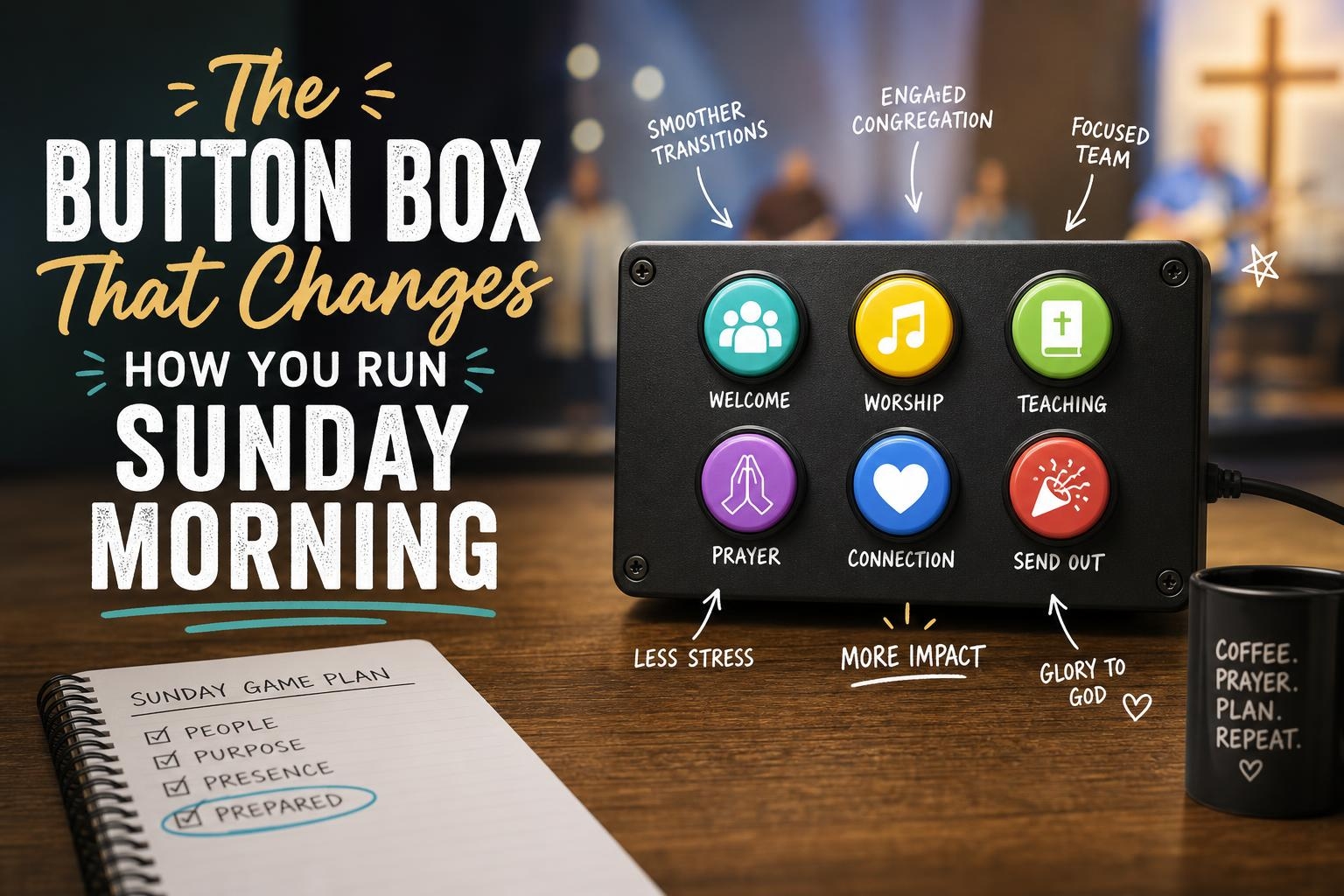
You’re three minutes from the start of service. The worship leader is asking if the lyrics are ready, the pastor just changed his sermon opener, and someone unplugged the wrong thing in the back. Again.
In the middle of all that, the last thing you need is to be clicking through four different software windows to fire a single cue.
That’s the problem Bitfocus Companion was built to solve.
What Companion Actually Is
Bitfocus Companion is free, open-source software that turns a physical button controller — most commonly an Elgato Stream Deck — into a customizable show control surface. Instead of hunting for the right button inside ProPresenter, or tabbing over to your video switcher software, or clicking around in your lighting console, you press one physical button and Companion handles the rest.
One button. Multiple actions. Across multiple systems.
It runs on a laptop or a dedicated mini PC and communicates with your other software and hardware over your local network. It talks to ProPresenter, OBS, vMix, ATEM switchers, Renewed Vision products, Dante controllers, and dozens of other tools churches already use. The list of supported integrations — called modules — is massive and keeps growing.
Think of it as the backstage crew chief that quietly coordinates everything so your front-of-house operator only has to press go.
Why This Matters for a Sunday Morning Workflow
Most church tech setups are a collection of great individual tools that don’t talk to each other very well. Your presentation software is over here. Your video switcher is over there. Your stream encoder is somewhere else. And your volunteer is bouncing between all of them, trying to keep up with a live service that doesn’t wait.
Companion bridges those gaps. A single button press can advance a ProPresenter slide, switch your ATEM to the camera shot you want, and trigger a lower-third graphic — simultaneously. You can build buttons for every recurring moment in your service: pre-service loop, countdown start, announcements, sermon mode, offering, end of service.
Once those buttons exist, your volunteer doesn’t need to know how any of the underlying software works. They just need to know which button to press next. That’s a game-changer for volunteer confidence and consistency.
”But That Sounds Like a Lot to Set Up”
Yeah, I hear this one a lot. And I won’t pretend there’s zero learning curve — there is. The first time you open Companion, the interface isn’t exactly intuitive. There are modules to install, connections to configure, and button pages to build. It takes some time upfront.
But here’s the honest truth: you set it up once, and then it just works.
The learning curve is also a lot gentler than it looks. The Bitfocus community is one of the most helpful corners of the church tech world. There’s an active Facebook group, a solid Discord, and more YouTube walkthroughs than you’ll ever need. Most churches get their first useful button page running in an afternoon.
Start small. Don’t try to automate your entire service on day one. Pick one workflow that’s currently annoying — maybe it’s your stream going live, or switching between your pre-service loop and your countdown — and build just that. Get comfortable. Then add more.
What You Need to Get Started
The barrier to entry is low. Here’s the short list:
- Bitfocus Companion — free download at bitfocus.io
- A controller — the Elgato Stream Deck is the most popular choice. The 15-button model is a great starting point and runs around $150. There are also smaller and larger versions depending on your needs.
- A computer to run it on — a spare laptop or a $100 mini PC works fine. It doesn’t need to be powerful.
- Your existing software — Companion connects to what you already have.
That’s it. No subscription. No licensing fees. Just a little time and a willingness to tinker.
The Bigger Picture
Proverbs 16:3 says to commit your work to the Lord, and your plans will be established. There’s something to that in the context of Sunday morning prep. The more thoughtfully we build our systems — the more we think through the flow before the chaos hits — the more freedom we have to actually focus on ministry when it matters.
Companion doesn’t make your service run itself. But it does remove a layer of friction that can distract your team from what they’re actually there to do.
Your volunteers will be more confident. Your service flow will be more consistent. And you’ll spend less time clicking and more time paying attention to what’s happening in the room.
If you’ve been on the fence about Companion, this is a pretty good week to download it and spend an hour with it. The worst case is you learn something new. The best case is you wonder how you ever ran a Sunday without it.